Getting Started with the Browser Extension
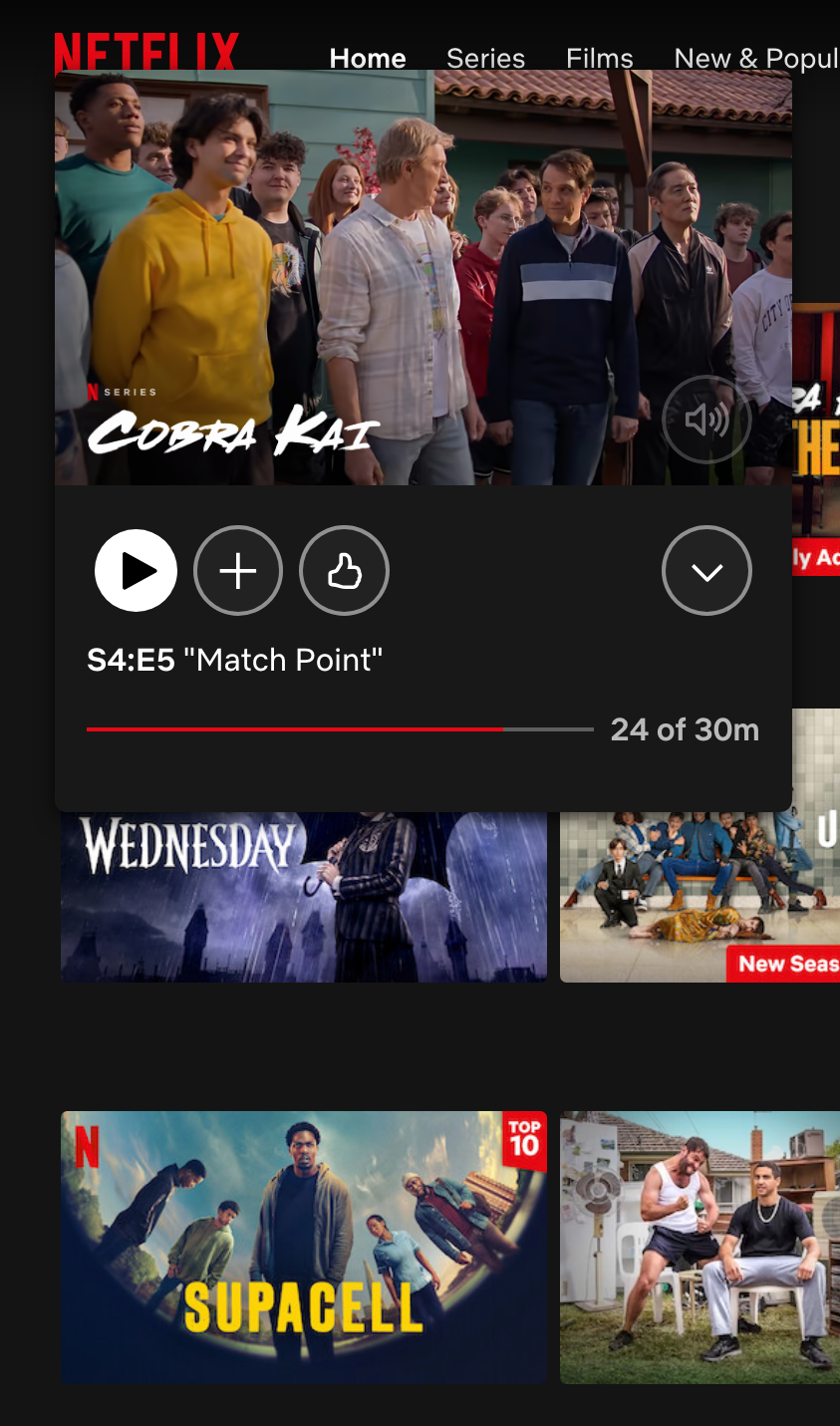
STEP 3
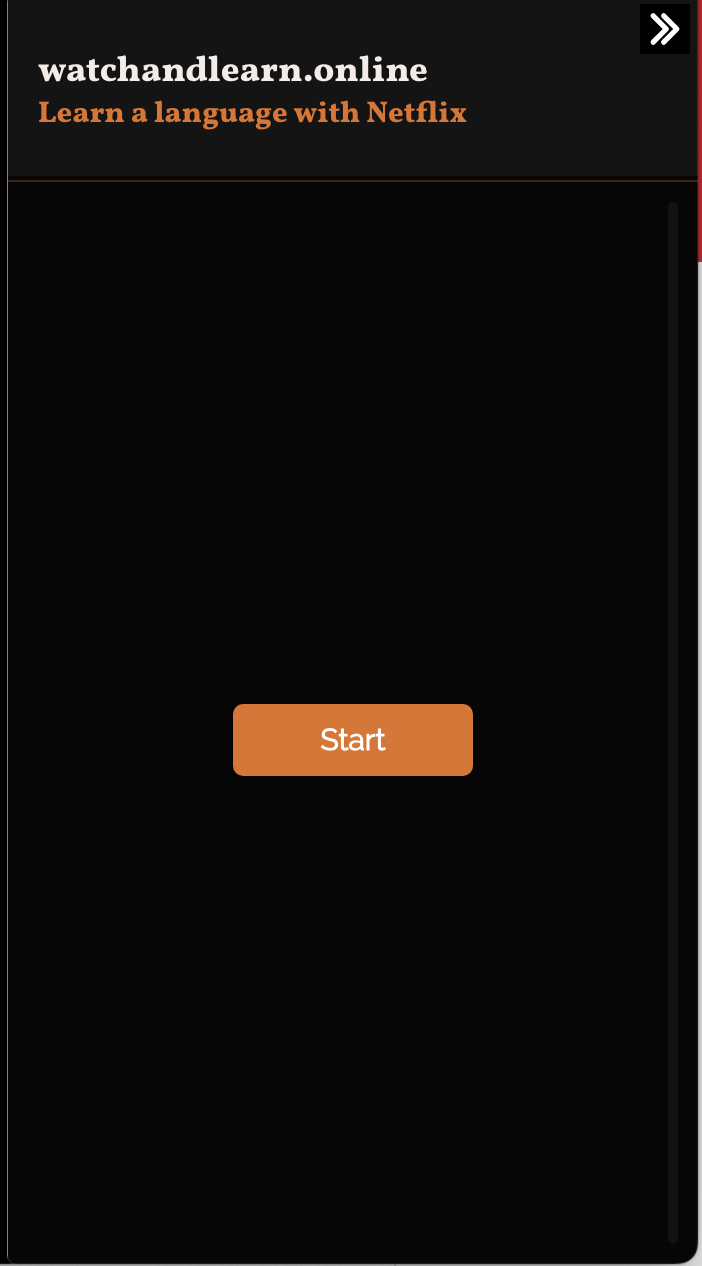
If the extension doesn't open on the right-hand side of the video, then refresh the page. Then click Start.
STEP 4
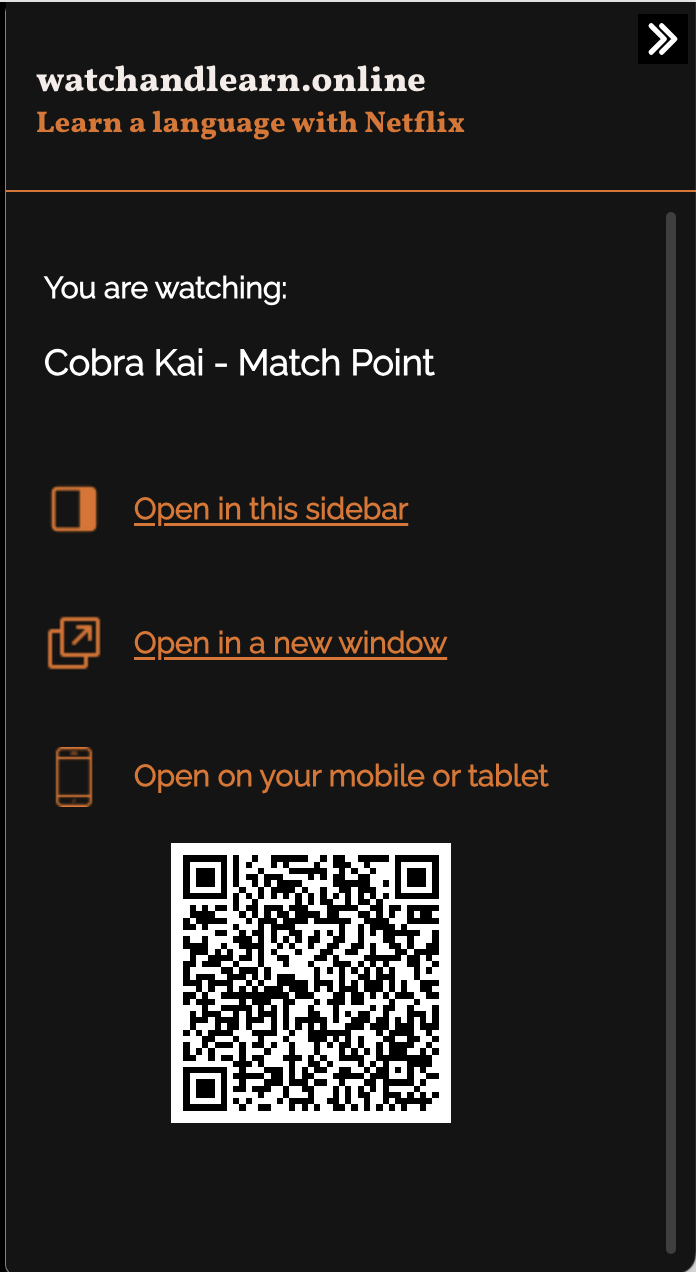
Choose how you want to interact with the subtitles: in the side bar, in a new tab or scan the QR code to cast the subtitles to your mobile or tablet.
STEP 5
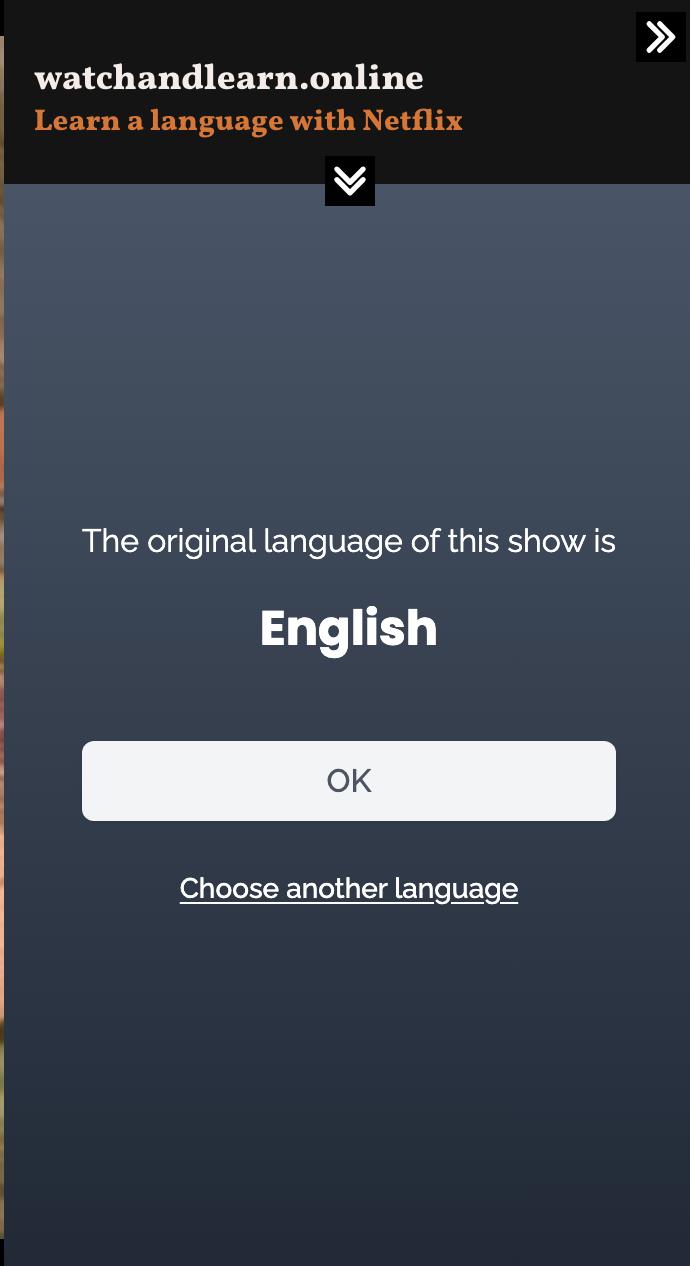
Confirm the language you are studying. This should be the original language of the show.
STEP 6
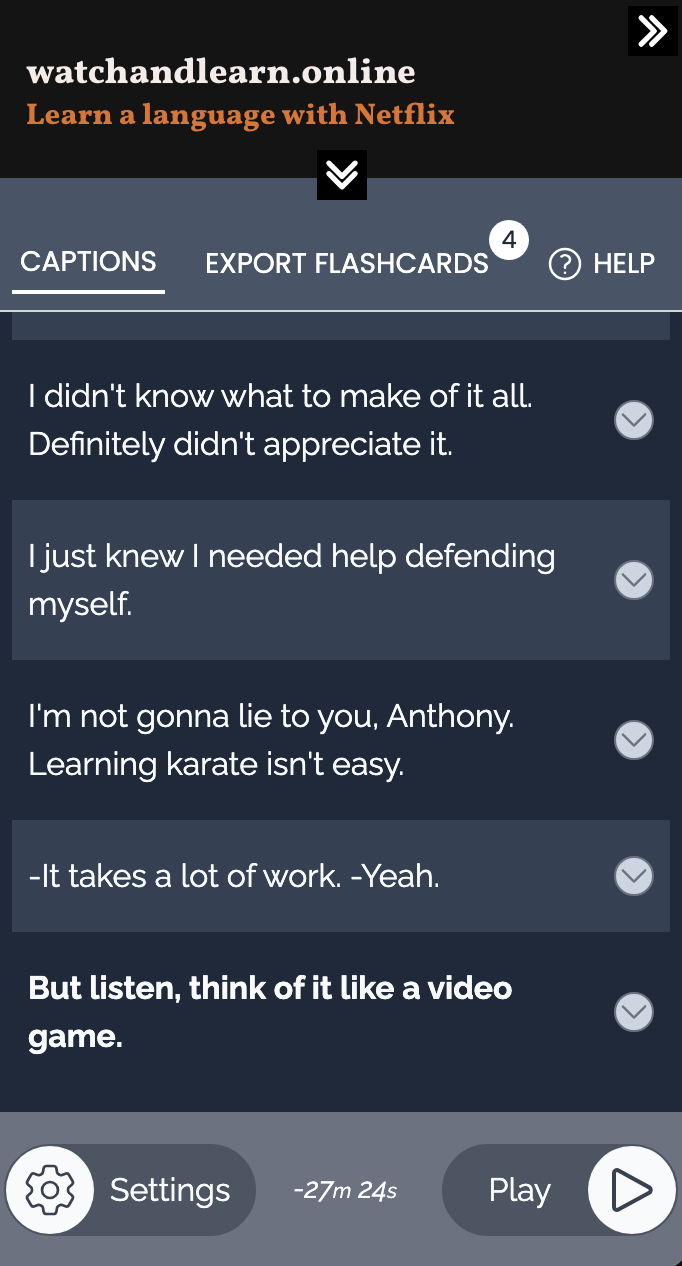
If the subtitles don't appear immediately, then make sure that video is playing and there is dialogue.
STEP 7
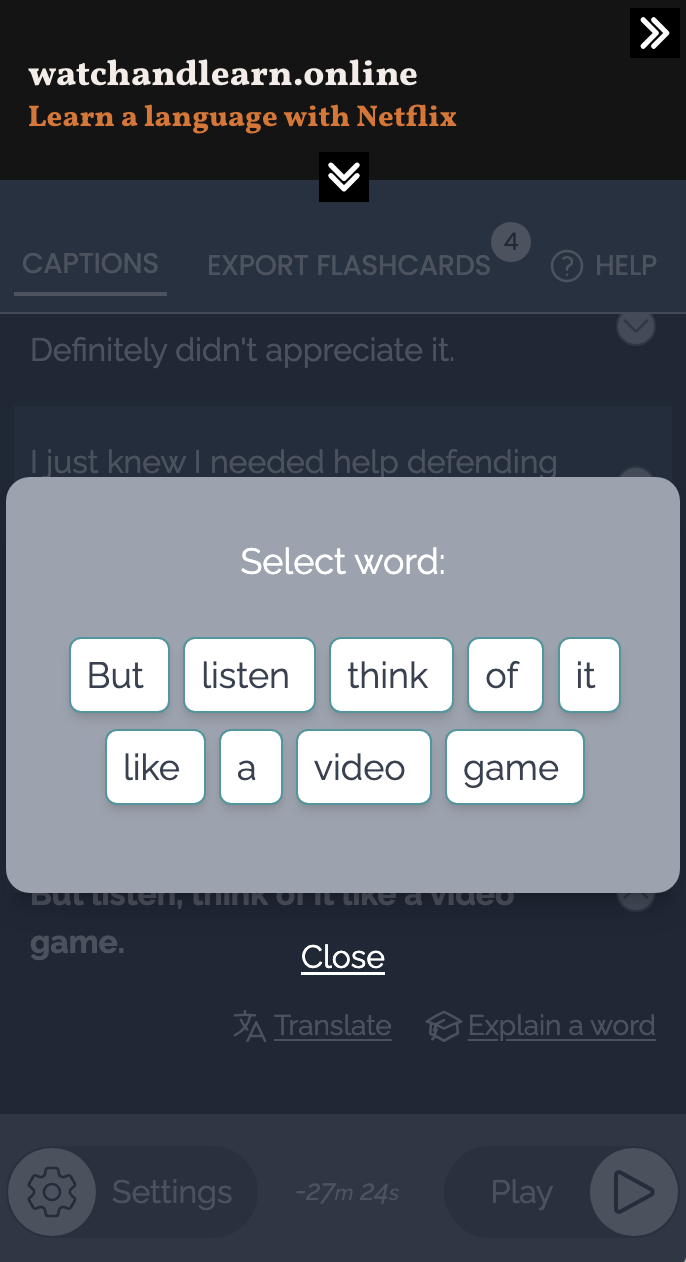
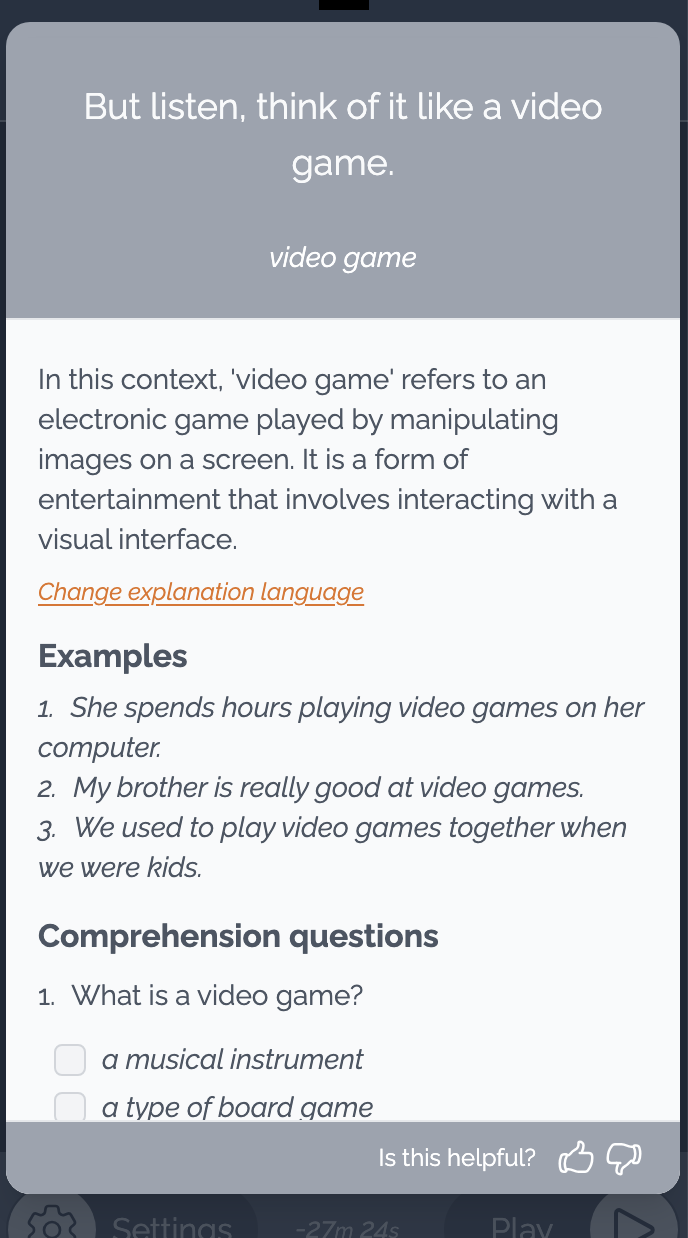
Click on any subtitle for definitions, translations, examples and exercises. Enjoy watching and learning with your favourite shows.